Key Criteria for a Retail Price Comparison Tool
Key Criteria for a Retail Price Comparison Tool
How do you choose a price comparison tool for retail? A retail price comparison tool should enable retailers to reliably and regularly collect, compare, and analyze competitor prices. For e-commerce, pricing, and category management teams, the key criteria include retailer coverage, data reliability, collection frequency, product matching, promotion and stock monitoring, as well as analytics and alerting capabilities.
In a context where prices change rapidly and consumers can compare offers in just a few clicks, having an accurate view of the market has become a major competitive advantage.
What is a retail price comparison tool?
A retail price comparison tool is a solution that enables retailers and brands to monitor the prices charged by their competitors across different e-commerce websites.
Unlike a consumer price comparison website, which helps shoppers find the best price for a product, a professional price comparison tool analyzes the market to help teams make pricing decisions.
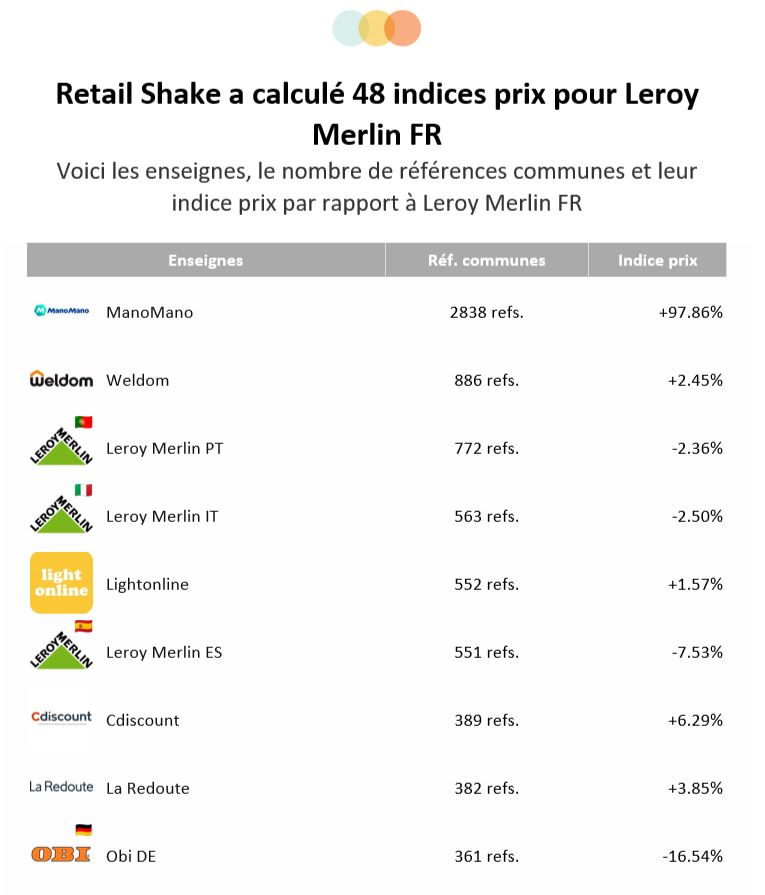
It can be used to monitor competitor prices, identify price gaps, track promotions, analyze the price positioning of a range or category, detect price changes, monitor product availability, protect margins, and support a pricing or repricing strategy.
The goal is therefore to turn competitive data into actionable insights for commercial decision-making.
Why use a price comparison tool in retail?
Price is one of the main decision-making factors throughout the customer journey. However, manually monitoring hundreds or thousands of SKUs across different websites quickly becomes impossible.
A price comparison tool makes it possible to automate this price analysis and gain a more comprehensive view of the market.
For a pricing manager or e-commerce manager, the goal is not necessarily to always be cheaper than competitors. Rather, it is to understand:
When should you adjust your price, on which products, and against which competitors?
A good tool should therefore make it possible to put price gaps into context and take into account product positioning, competition, promotions, availability, and commercial strategy.
The 8 essential criteria for a retail price comparison tool
Not all price comparison tools meet the same needs. Here are the main criteria to consider before choosing a solution.
1. Competitor and retailer coverage
The first criterion is the tool’s ability to monitor the websites that are actually relevant to your business.
A price comparison tool should be able to cover:
-
key direct competitors
-
marketplaces
-
pure players
-
specialist retailers
-
generalist retailers
-
international websites when operating across multiple markets
Coverage should also be broad enough to avoid an analysis limited to just a few players.
Things to check before choosing a solution:
-
How many websites can be monitored?
-
Are marketplaces covered?
-
Can international websites be tracked?
-
Is it easy to add a new retailer?
-
Does the solution cover your industry?
Relevant coverage is essential for obtaining a price analysis that accurately represents the market.
2. Data reliability and freshness
Data quality is a critical criterion.
A competitor price is only valuable if it accurately reflects the price displayed at the time of analysis. Data that is too old, incomplete, or incorrectly collected can lead to poor pricing decisions.
You should therefore evaluate data collection frequency, data freshness, product coverage rate, collection stability, the quality of the information collected, and the ability to detect changes quickly.
For some categories, daily collection may be sufficient. For highly competitive markets, a much higher frequency may be required.
Data freshness should match the speed at which the market evolves.
3. Product matching quality
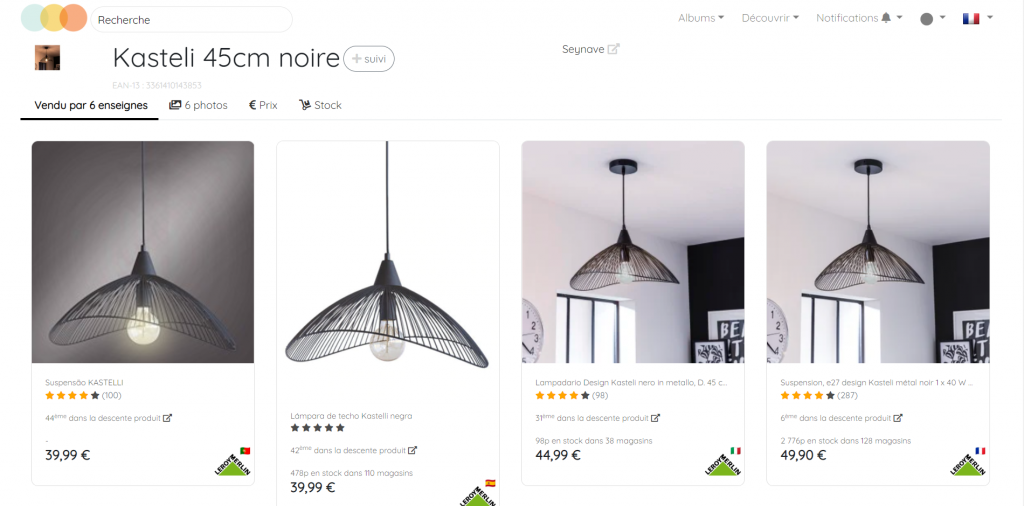
Comparing two prices only makes sense if the products being compared are actually identical or sufficiently similar.
Product matching consists of identifying the correspondence between your catalog and your competitors’ catalogs.
Matching can rely on:
-
EANs or GTINs
-
manufacturer references
-
brands and models
-
technical specifications
-
titles and descriptions
-
images
-
artificial intelligence algorithms
Ideally, a good comparison tool should distinguish between:
Identical product → direct price comparison.
Similar product → comparison possible depending on the context and defined criteria.
Different product → excluded from the comparison.
This distinction is particularly important in industries with large numbers of SKUs and complex assortments.
4. Promotion tracking
Comparing displayed prices alone is not always enough.
Promotions can significantly change a retailer’s competitive positioning: instant discounts, strike-through prices, coupons, multibuy offers, cashback, or loyalty benefits.
A retail price comparison tool should therefore make it possible to track competitor promotions and, where possible, distinguish between the list price, promotional price, discount amount or percentage, promotion period, reference price, and conditions associated with the offer.
Promotion monitoring makes it possible to quickly identify competitors’ commercial campaigns and their impact on price positioning.
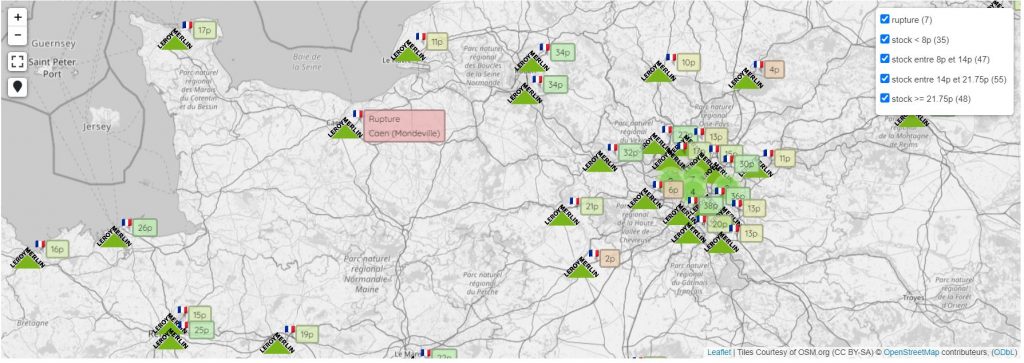
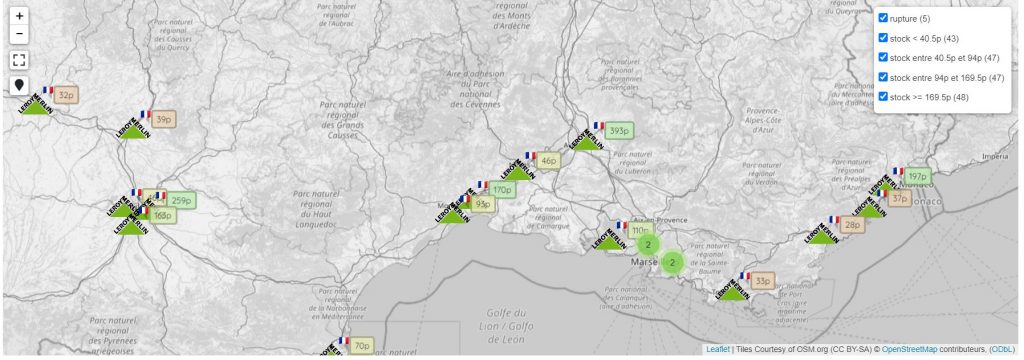
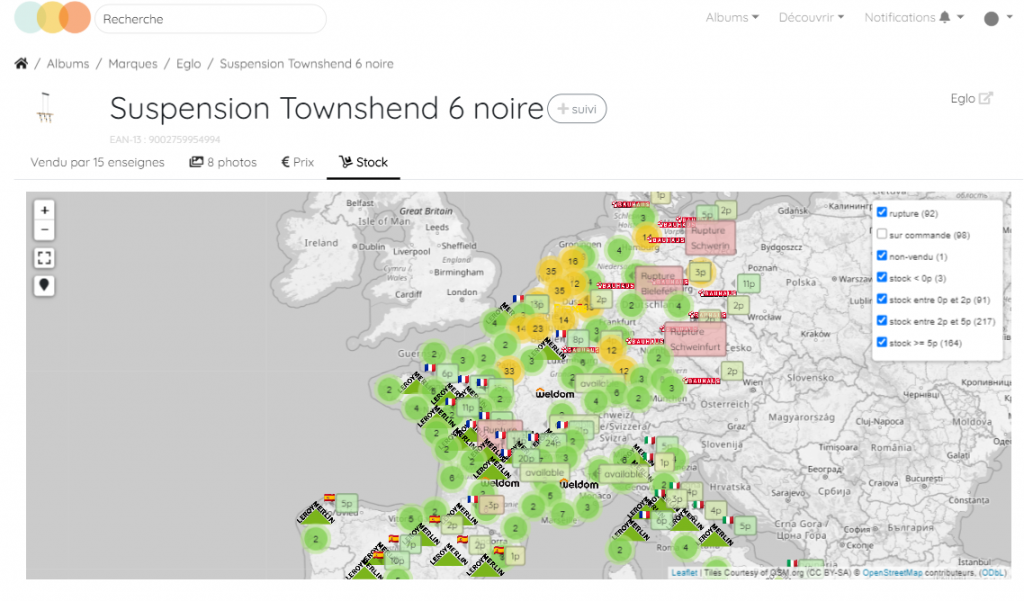
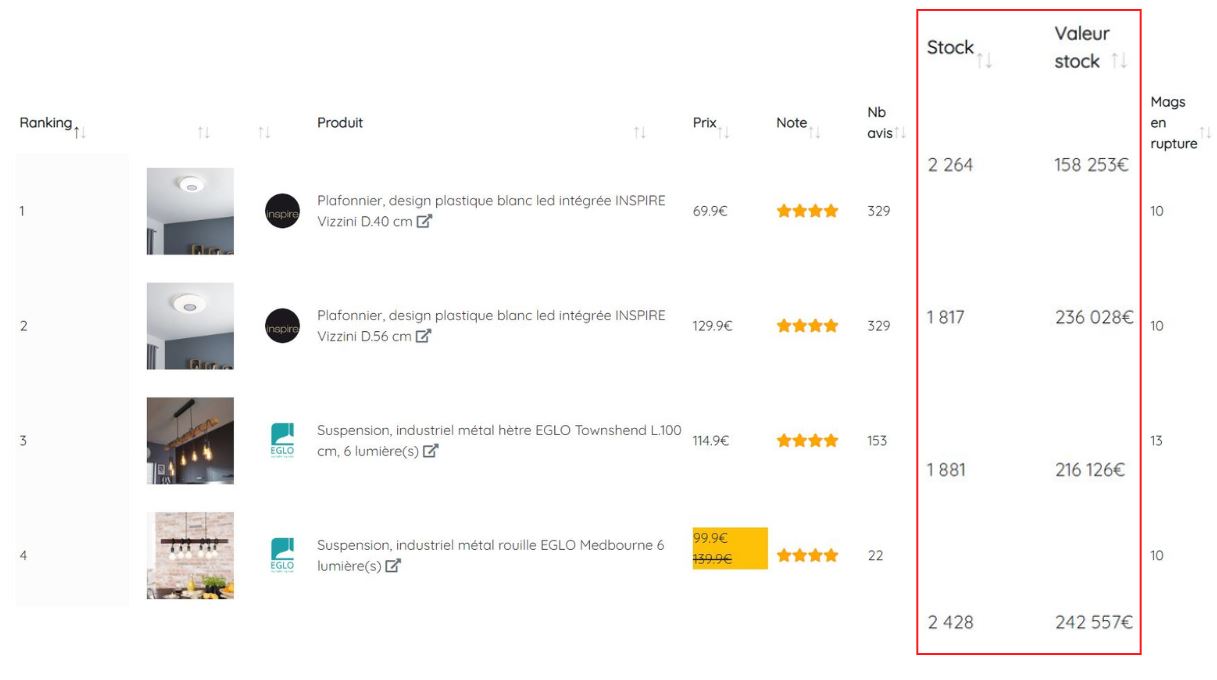
5. Stock and availability monitoring
Price should not be analyzed independently from availability.
A competitor may display a lower price than yours while the product is actually unavailable. In this case, the price gap should not necessarily lead to a change in your own price.
An effective comparison tool can therefore also monitor:
-
in-stock / out-of-stock status
-
availability by store or geographical area when the data is accessible
-
delivery times
-
changes in availability
Combining price + stock data provides a more relevant view of competitive pressure.
6. Alerts for price changes
A price monitoring tool should not simply store data: it should help teams detect important events.
Alerts can cover:
-
a competitor price decrease
-
a price increase
-
the launch of a promotion
-
the end of a promotion
-
a stockout
-
a new entrant in a category
-
a defined price threshold being exceeded
Alerts allow pricing teams to focus on changes that require action rather than continuously checking data tables.
7. Analytics and reporting capabilities
Data collection is only the first step.
A good retail price comparison tool should make it possible to analyze data at different levels: product / category / brand / competitor / range / period / market.
Key indicators may include:
-
average price gap
-
price competitiveness index
-
number of products priced lower or higher than competitors
-
changes in price positioning
-
percentage of products being monitored
-
promotion trends
Dashboards should be simple enough to enable quick analysis, while providing enough detail to conduct a deeper analysis when needed.
8. Integration with pricing and e-commerce tools
Finally, it is important to understand how data from the comparison tool can be integrated into existing processes.
A modern solution should offer different ways of using the data: CSV or Excel exports / API / integration with BI tools / connection to pricing systems…
The goal is to gradually move from competitive monitoring to margin optimization and pricing automation.
Price comparison tools: what features do pricing teams need?
Needs vary depending on the user.
For a Pricing Manager
The comparison tool should primarily make it possible to monitor price gaps and define positioning rules:
-
identify products requiring action
-
monitor priority competitors
-
support a repricing strategy
-
protect margins
For a Category Manager
The focus is more on analyzing category positioning, competitor assortments, price gaps by range, promotions, missing or new products, and market developments.
For an E-commerce Manager
The need is often more cross-functional: understanding the overall competitiveness of the website and identifying levers to improve conversion and commercial performance.
Price comparison and margin optimization: what is the connection?
The goal of a pricing strategy is not simply to offer the lowest price.
A price reduction can improve competitiveness but reduce margin. Conversely, a price that is too high can negatively affect conversion and lead to lost sales.
The comparison tool should therefore help identify situations in which a price adjustment is genuinely relevant.
For example:
Your price: €99
Competitor price: €95
Competitor out of stock: yes
The €4 price gap does not necessarily mean that you should lower your price.
Conversely:
Your price: €99
Price of 5 competitors: €89–92
Competitors in stock: yes
Highly comparable product: yes
Competitive pressure is then much greater.
This ability to put price gaps into context is what makes competitive data useful for protecting margins.
Price comparison tool vs. repricing tool: what is the difference?
These two tools are complementary but do not address exactly the same need.
A price comparison tool is primarily used to monitor and analyze the market.
A repricing tool uses this information to help determine or automate the price to apply.
| Price Comparison Tool | Repricing Tool |
|---|---|
| Monitors competitor prices | Defines or recommends a price |
| Analyzes price gaps | Applies pricing rules |
| Tracks promotions | Can automate price adjustments |
| Generates alerts | Optimizes price positioning |
| Supports decision-making | Automates all or part of the decision-making process |
For many e-commerce and pricing teams, the two functionalities are therefore complementary.
How to choose a retail price comparison tool
Before selecting pricing or price monitoring SaaS software, it is recommended to check the following points:
Data
-
How frequently is data collected?
-
Is the data fresh enough?
-
What is the coverage rate?
Competition
-
Which competitors are available?
-
Are marketplaces covered?
-
Does the solution support multiple countries?
Products
-
How does product matching work?
-
Are EANs/GTINs taken into account?
-
Is artificial intelligence used for matching?
Prices
-
Are promotional prices identified?
-
Are strike-through prices available?
-
Are delivery costs taken into account?
Analytics
-
Which KPIs are available?
-
Can data be analyzed by category, brand, or product?
-
Is price history available?
Activation
-
Are alerts available?
-
Is there an API?
-
Can data be exported to a BI tool or pricing system?
Usability
-
Is the tool easy to configure?
-
Can business teams use it without technical expertise?
-
Is the implementation time reasonable?
Why is data quality essential?
A price comparison tool can collect millions of data points and still produce unreliable analysis if the data is not properly structured.
The performance of a solution relies in particular on five dimensions:
Consistency: data is structured in a standardized way.
Accuracy: the information accurately reflects the pages being analyzed.
Completeness: important products and information are covered.
Integrity: relationships between products, prices, and competitors are correctly established.
Freshness: data is recent enough to support relevant decision-making.
Matching quality is particularly important: comparing two different products can create a false price gap and lead to a poor decision.
Retail Shake: a 360° approach to competitive intelligence
Retail Shake helps retailers and brands analyze their competitive environment.
The platform goes beyond price monitoring to track:
-
prices
-
promotions
-
stock levels
-
reviews
-
images
-
product attributes
-
descriptions
-
assortments
-
marketplaces
This approach gives e-commerce, pricing, and category management teams a more comprehensive view of their competitive positioning.
With its Pricing Intelligence, Product Matching, Digital Shelf Benchmark, and Price Optimizer capabilities, Retail Shake helps teams move from simple data collection to identifying actionable opportunities.
The goal: help teams make better pricing decisions, improve their competitiveness, and contribute to margin protection.
FAQ: Retail Price Comparison Tools
What is a retail price comparison tool?
A retail price comparison tool is software that enables retailers and brands to monitor and analyze the prices, promotions, and other commercial information displayed by competitors on e-commerce websites.
What is the best price comparison tool for retail?
The best price comparison tool depends on the company’s needs. The most important criteria are competitive coverage, data freshness, product matching quality, promotion tracking, analytics capabilities, alerts, and integration possibilities with pricing tools.
Why monitor competitor prices?
Competitive price monitoring makes it possible to identify price gaps, understand a retailer’s positioning, and detect market changes. It can help improve competitiveness while avoiding unjustified price reductions.
What is the difference between a price comparison tool and a price monitoring tool?
The two terms are closely related. A price comparison tool primarily compares the prices of several market players, while a price monitoring tool generally offers a broader approach including price history, alerts, promotions, stock levels, analytics, and automated monitoring.
Can price analysis be automated?
Yes. Pricing and competitive intelligence SaaS solutions can automatically collect data, match products, calculate price gaps, and trigger alerts based on predefined rules.
Can a price comparison tool help protect margins?
Indirectly, yes. By providing greater visibility into prices and competitive pressure, it helps avoid systematic price adjustments and identify situations where a price decrease or increase is actually relevant.
Key takeaways
Choosing a retail price comparison tool should not be based solely on the number of competitors monitored or the volume of data collected.
The key criteria are:
Competitor and marketplace coverage
Data freshness and reliability
Product matching quality
Promotion tracking
Availability and stock monitoring
Price change alerts
Analytics and reporting capabilities
Integrations with pricing and e-commerce tools
Above all, an effective price comparison tool should enable teams to turn competitive data into concrete pricing decisions while balancing competitiveness, commercial performance, and margin optimization.